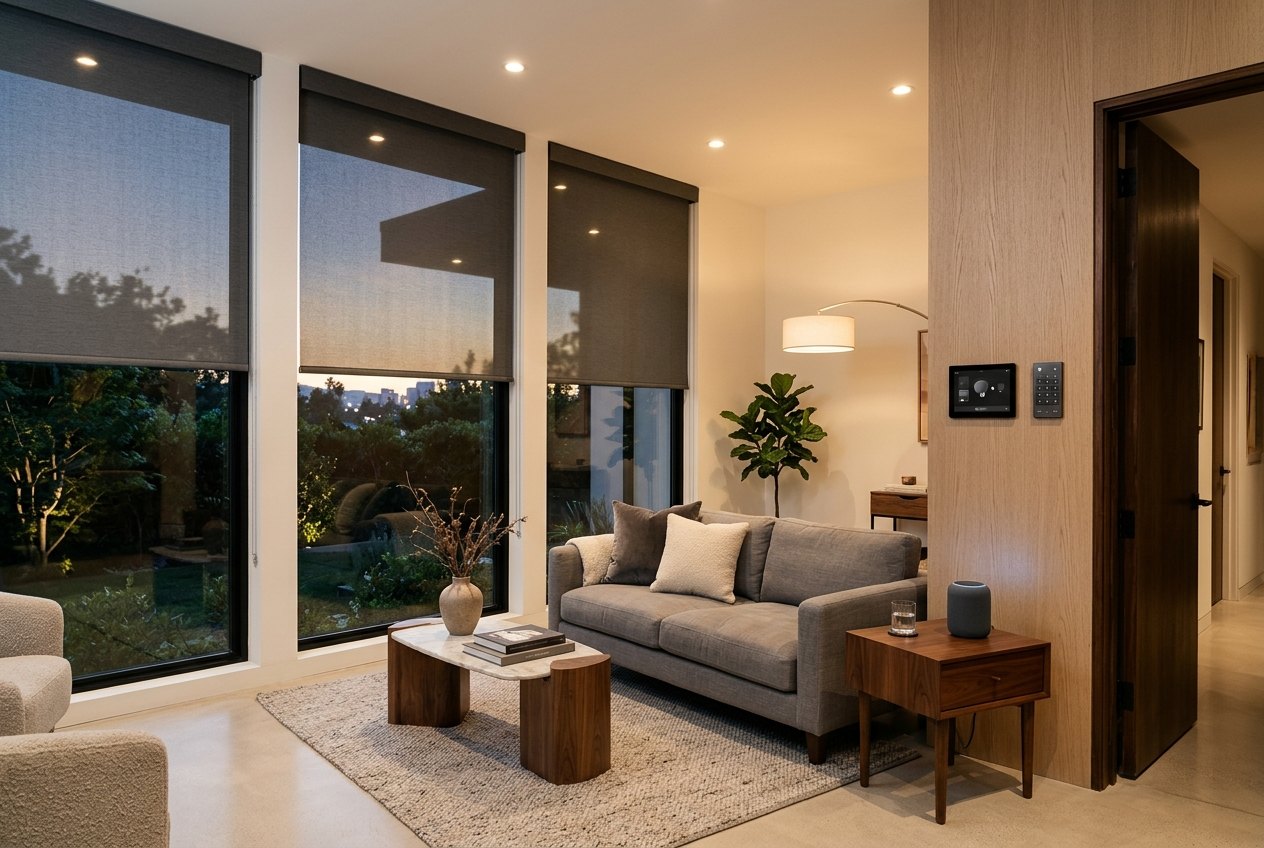
Smart Home Integration
Connect motorized shades and drapery to the voice assistants, apps and control systems you already use.
Shades that work with your home
Motorized window treatments are at their best when they work with the rest of your home: lowering when the movie starts, opening with your morning alarm, or closing automatically as the sun moves across the building.
Apollo plans and installs shade integration with Google Home, Apple Home, Amazon Alexa and Samsung SmartThings, integrates with Control4, KNX and Loxone, and offers Lutron systems through our partnership, with compatibility confirmed for each project.
What integration adds
Voice control
Open or close any room with Alexa, Google or Siri.
Scenes
Pair shades with lighting and AV for one-touch moods.
Automation
Schedules, sunrise and sunset triggers, and away modes.
Reliable connectivity
Bluetooth, Motionblinds Bridge or Matter over Thread, planned for your home.
Supported platforms
Apple, Google & Alexa
Everyday voice and app control.
Matter & hubs
Cross-platform, local control.
Control4, KNX & Loxone
Professional whole-home systems.
Lutron
Integrated shading and lighting control.
Smart Shade Control That Fits the Way You Live
Motorized shades, blinds and drapery can be controlled on their own or as part of your wider smart home. Start with a remote or wall switch, add an app for schedules and scenes, then connect to the voice assistant or control system you already use.
The right setup depends on the motors, the network in your home or building and the platform you prefer. We plan this with you before ordering, so every window treatment is compatible with the way you want to control it. Apollo is based in Brooklyn and installs and programs systems throughout New York City.
Ways to Control Your Shades
- 01
Remote and wall control
Handheld remotes and battery-powered wall switches for individual shades or groups.
- 02
App control
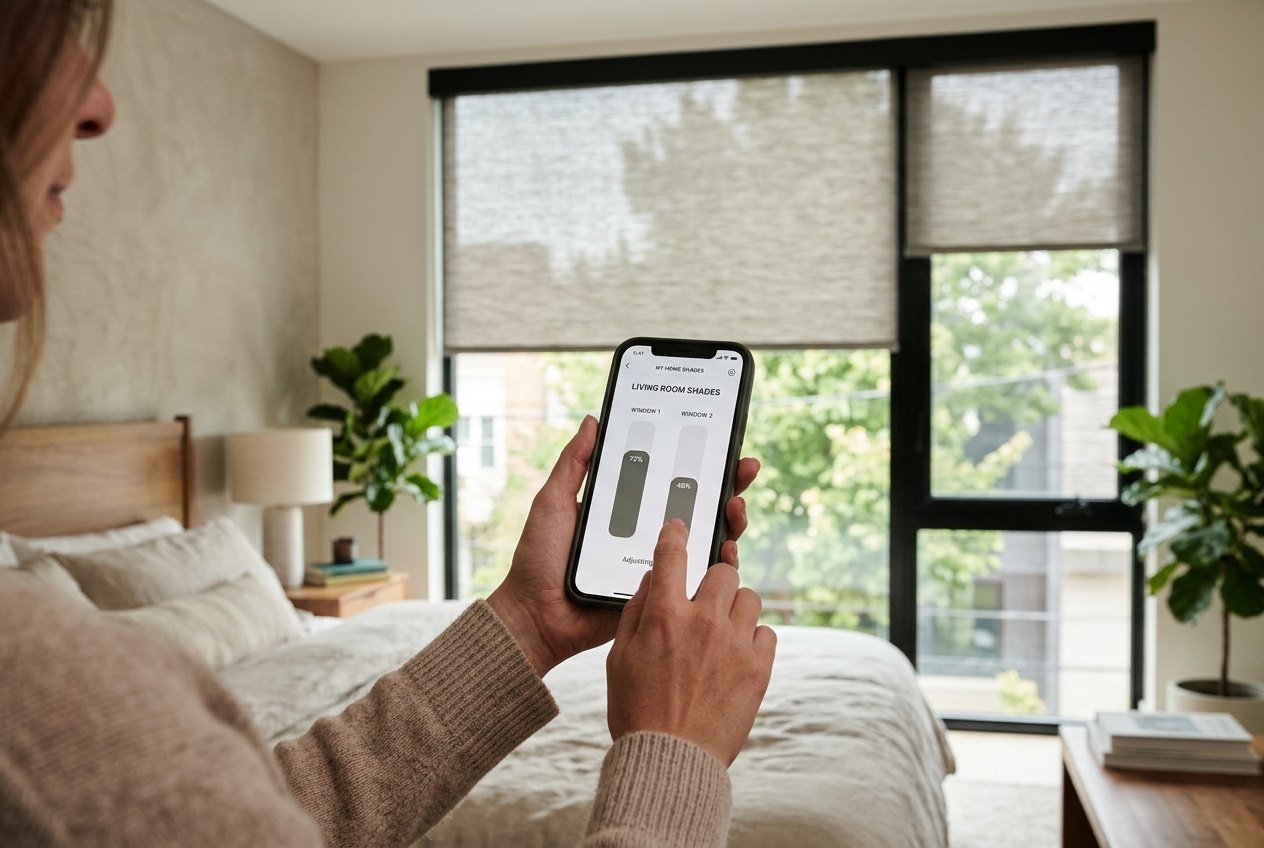
Adjust positions, group rooms and set schedules from your phone.
- 03
Automation scenes
Move shades with your morning routine, a movie scene or sunset.
- 04
Voice control
Ask a supported voice assistant to open or close a room.
- 05
Whole-home systems
Professional control systems for larger homes and buildings.
Supported Platforms & Connection Options
Platforms
- Google Home, Apple Home, Alexa, SmartThings
- Motionblinds motors work with Google Home, Apple Home, Amazon Alexa and Samsung SmartThings.
- Control4, KNX, Loxone
- Motionblinds motors integrate with these professional control systems.
- Lutron
- Offered through our Lutron partnership, with compatibility confirmed for each project.
How motors connect
- Bluetooth
- Direct setup through the Motionblinds app, with no bridge or hub; an entry-level option for smaller homes.
- Motionblinds Bridge
- 433MHz motors connect through a bridge for app, voice and automation-system control.
- Matter over Thread
- Eve Motionblinds motors with built-in Matter and Thread need no Motionblinds Bridge, only a Thread Border Router from your Matter platform.
Network, Power & Wiring
Reliable control starts with the network and power plan. Battery motors need no new wiring and suit most retrofits; hardwired motors stay constantly powered and are best planned during renovation or new construction. With Matter over Thread, wired motors also act as Thread routers that strengthen the network. Bridges and border routers need a good wireless position and a stable home network.
Retrofit
Battery motors, Bluetooth or a bridge, and app or voice control: no walls opened.
New construction
Hardwired motors, planned bridge or border-router locations, and wiring for wall keypads or a control system.
Typical Uses
Morning and evening routines
Shades open with your alarm and close at sunset.
Media rooms
Blackout shades lower when the movie starts.
Away and vacation modes
Shades move on a schedule while you're out.
Offices and meeting rooms
Glare control on a schedule or from a wall keypad.
Hotels and multi-unit buildings
Consistent control tied to building or room systems.
Troubleshooting & Service
- If a shade stops responding, check the battery level in the app, then try the remote to confirm the motor is working.
- After router or Wi-Fi changes, bridges and border routers may need to reconnect to your network.
- Platform updates can occasionally change how devices appear in an app; re-syncing usually restores them.
- Contact us for re-pairing, limit resets or motor service. We support the systems we install.
Planning & Installation
Tell us which platform you use, or plan to use, and we'll recommend motors and connection options that work with it. We confirm compatibility before ordering, install and program the shades, and pair them with your app, remotes and supported platform. For professional systems, we coordinate with your integrator.
Smart Home Integration FAQ
Explore the collection
Planning a smart home?
Tell us which platform you use and we will design shade control that fits right in.